honestly...if you would quit trying to use FABO's attachment feature.....and use a Photo Hosting website like
www.photobucket.com you would not have to ATTACH pics and the pics you link can be ANY SIZE....and we like BIG, CLEAR PICTURES.
So focus on learning how to upload and link pictures from photobucket and all your problems are solved.
Its real easy. Create a photobucket account. Use the upload feature on their site to upload the pics you want to use on the internet....then open (2) windows....1 window being FABO, the other being photobucket....then when you are inserting links from photobucket to put into threads like this one....use the (IMG) link and put a space between each link....and when you want to link photo's in your email's and PM's use the Email/IM link.
You'll understand it when you open the photobucket account and see how the pics are listed in your album...it makes it pretty clear.
If you want to do it oldschool....and use the FABO attachment feature here.....use a picture editting program like photoshop, or Microsoft paint....go to IMAGE and click Stretch/Skew...then reduce the pic 80 % x 80 % and see how that does.
I highly recommend using photobucket to link your pics though..its much easier.
Good Luck..
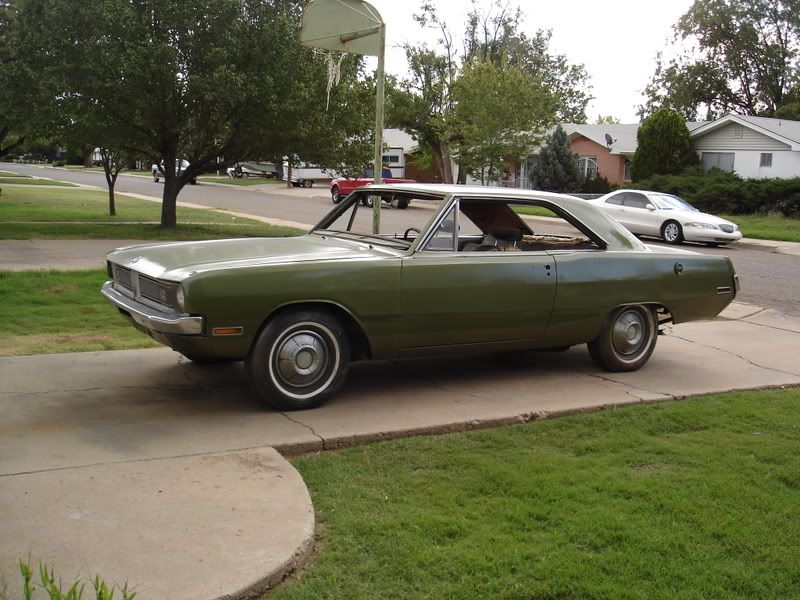
*hey here is a pic I just linked from photobucket..its huge filesize wise....