
72Duster440
Well-Known Member
I think most laptops do, but I doubt desktops do. I put a solid state in my laptop, it was noticeably faster.



I have that on my chromebook and I have it set to update automatically. This is why I like the chromebook, because even with the Avast, the virus program has never given one single alert. Chromebooks seem to be a lot more secure.Use Avast antivirus. They have driver updater and cleanup service. I have a very old ,2009, Optiplex 780 Dell Desktop. Upgraded to a solid state hard drive and as much ram as I could cram in. Keep your "desktop" as clean as you can. Delete everything you don't use. I store pictures and surf the internet, I don't keep any history and delete all cookies. Still fast and starts up faster than my wife's Dell xps laptop that is only about 5 years old.
I don't see anything like that on my chromebook.I've been in charge of "life cycle management" of an entire fleet of desktops and laptops for the past 8 years, and before that was in charge of the same thing for over 350 servers.
Back when processors reached the 3 GHz speed, they basically stopped getting any faster.
The laptop I'm currently typing on is 9 years old.
All that said- I agree they get loaded up with crap. Temp files, update files, etc.
Most of that can be cleaned up.
Programs you don't recognize can be uninstalled from control panel.
Something I've noticed within the last 2 years, and this is IMPORTANT-
Both microsoft and google are now, by default, copying all of your files, documents, pictures, videos...
...up their respective cloud repositories.
TURN THAT **** OFF!!!
For google, disable the "offline files" extension.
Don't remove it, or it will come back, and be turned on.
Note that this is for every "user" login.
For windows, ctrl alt del to "task manager", go to "startup" and disable "microsoft one drive".
Again, don't uninstall it or it will come back and be turned on.
Same deal- for every user that logs in.
Then restart.
Secondly- I'm not sure if it's directly related to the above, which literally HAMMERS your hard drive and also fights against each "service" that's doing the copying for 100% use of said drive, but win10 22H2 and win11 do something that KILLS "spinny" hard drives.
It makes them super slow.
The fix is, as stated above, install an SSD (solid state drive).
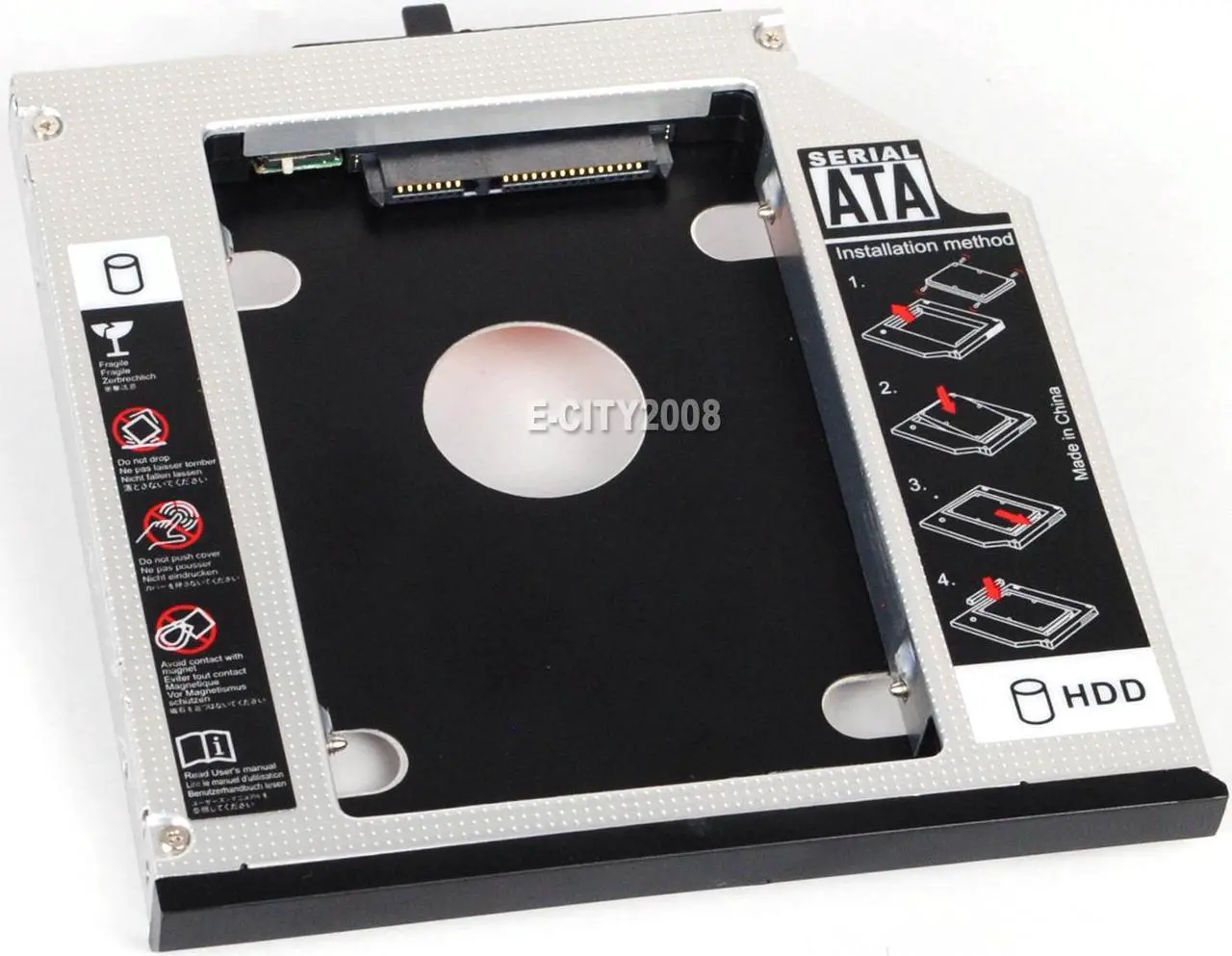
Hopefully your laptop has an SSD slot.
If it does not, you'll have to find a 2.5" SATA SSD.
512 GB SSD drives are super cheap now- $30 for name brand.
I imagine 1TB is also affordable since 2TB is nor the standard.
If you have a Seagate or Maxtor drive, you can download "MaxBlast" to clone the drive for free.
If you don't have one of those brands, you can get a limited version of "Acronis", but it's harder to find.
It's not in extensions.Chromebook should still have "extensions" in the settings, or possible in it's own menu from the "three dots".
I also manage about 100 chromebooks through the google management console.

For a notebook of this age, this is an easy swap as it will be sata. Drives are readily available.Hopefully your laptop has an SSD slot.
If it does not, you'll have to find a 2.5" SATA SSD.

How often do you replace your laptop computer?


Seagate BARRACUDA?When I was on the tool truck I would go through a laptop every 2 years or so. That was a pretty hostile environment though, bouncing around in a truck 10 hours a day. No SSD's back then and the hard drives would usually go bad. I have replaced a few oem hard drives with one from Seagate which are high quality and long lasting.
Could have been.Seagate BARRACUDA?
 didn't like windows 11 think it needs more ram with windows 11, I'm not doing much right now and sitting at 75% of the 8GB.


What is the ram and cpu usage?The one that I use is a Hewlett Packard and about 4 years old. Restarts don't seem to help, clearing cookies doesn't either. The wife thinks that laptops wear out and need periodic replacement and since she works for a software corporation, I would tend to believe that.
Being a car guy though, I look at symptoms and try to make sense of it.
It sometimes freezes when I'm checking email. One other car forum I'm on is really slow to load. Clicking on threads, loading pictures, back click functions ..



















