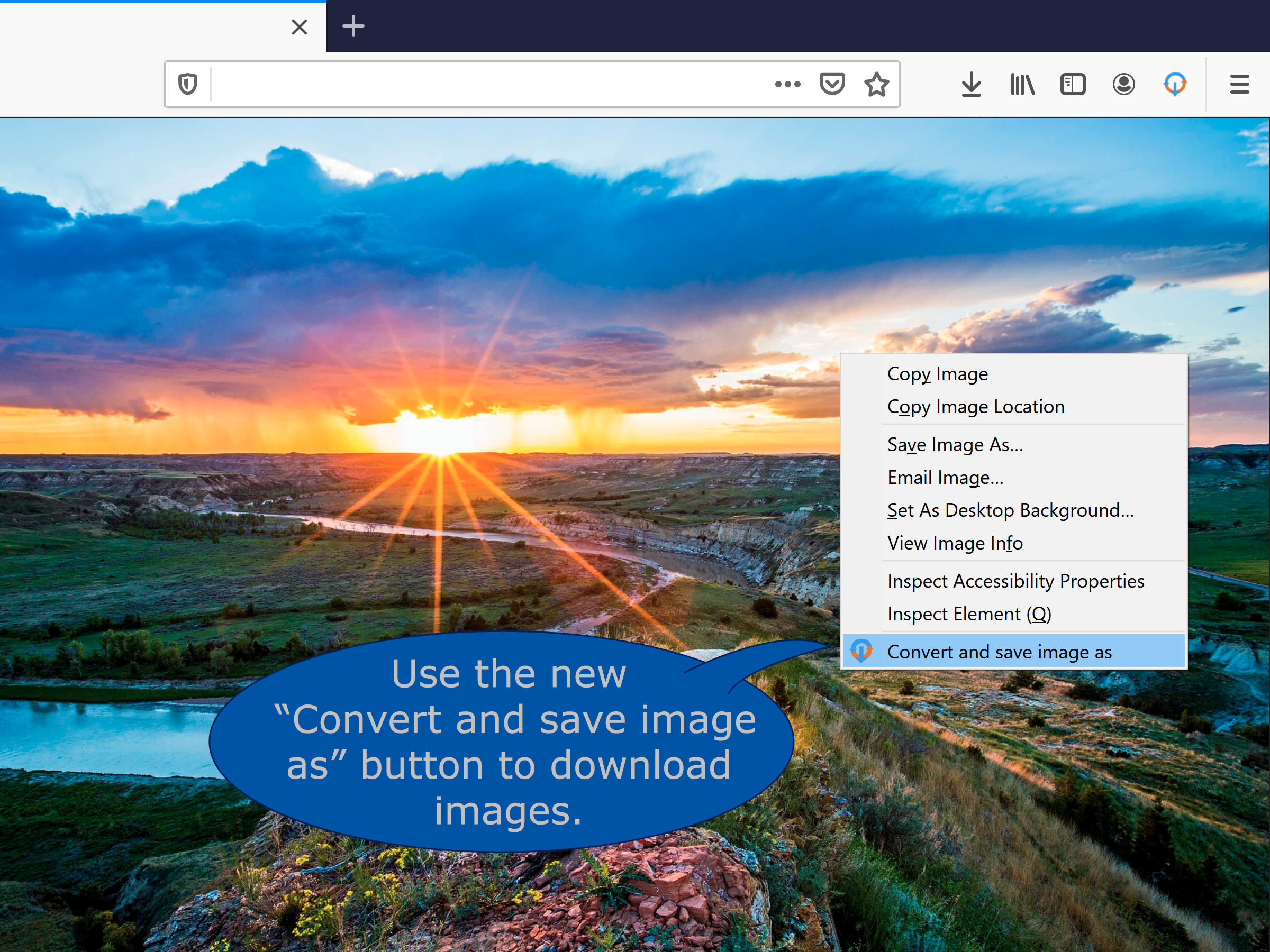
Not sure, as I use Linux, and Firefox, mostly. When I right click an image on the web to save it, a box pops up "save as" and I can pick the destination, and in that box is the option "convert and save." You have to LOOK at the original file name to see the suffix, as the converter doesn't just automatically grab it. So if you miss it you will try and save it as webp. You can set the converter to save as what you want AKA png or jpg etc, and on mine, once set, that works.
The photos loaded in the wrong order. Bottom one, you right click and the "convert" dialog box shows up, you click the "convert" option, and that gives you the top photo, to get to a destination folder. Again this is Linux, Firefox
The image, a cherry tree, is a random one I found on Google for an example
The software icon, in mine, shows up at the top toolbar in Firefox, where you can change settings Pretty simple
View attachment 1716434716
View attachment 1716434717